Baby Phrase Emoji Pictionary
15 puzzlesDecode the emoji combo to reveal the baby phrase!
- Easy
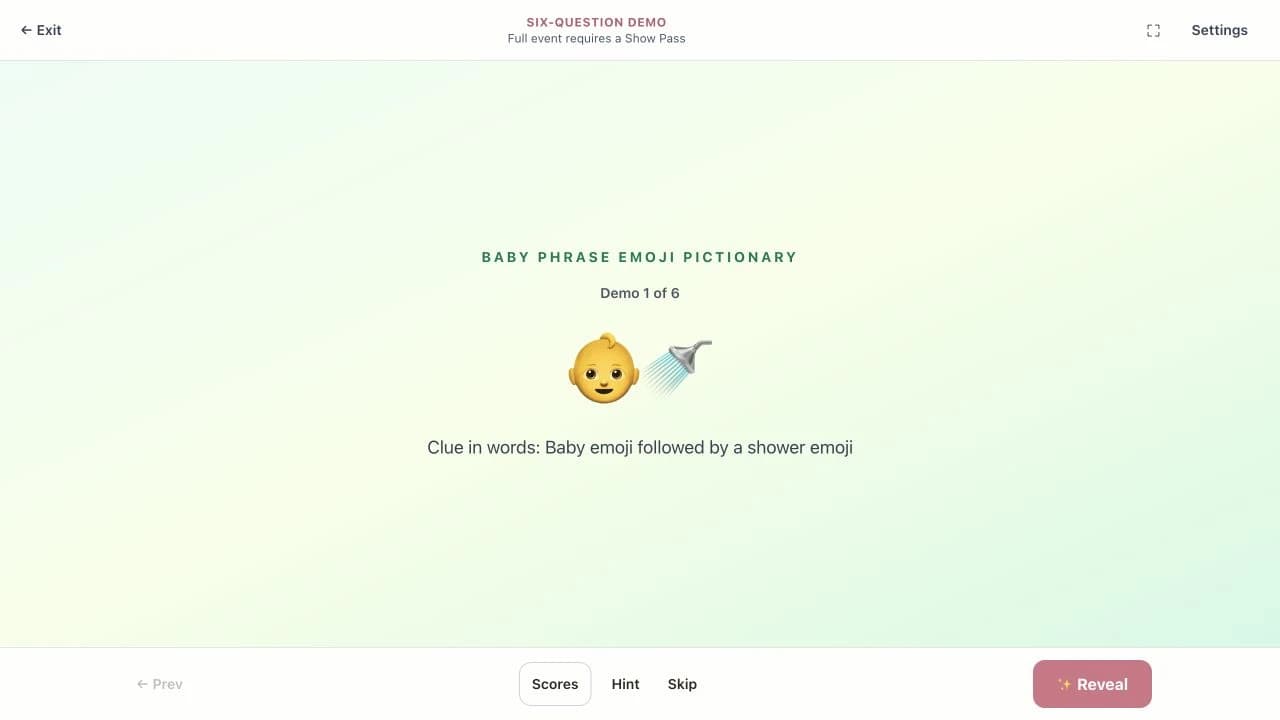
👶🚿
- Medium
🚗💺
- Hard
😴🚫
Share your screen on Zoom, Teams, or Google Meet and every guest — whether they're in the room or across the country — sees the same puzzle at the same time.
First 3 puzzles in every game are free. $4.99 unlocks all 20 games for 30 days.
Virtual shower planning threads consistently highlight two things: “the host needs to share their screen — don't make guests navigate to a separate website,” and “trivia and emoji games are the only formats that actually work on Zoom because everyone participates at the same time.” Games that require printing (bingo cards, word searches) are called out repeatedly as incompatible with virtual — guests either don't have a printer or forget to print ahead of time. Screen-shared interactive games are the consensus winner.
Paraphrased from 60+ threads on r/BabyBumps, r/pregnant, r/BabyShowers (2024–2026)
Ranked by how well they work on a shared screen with remote guests.
The clear #1 for Zoom showers. The puzzle fills the shared screen, everyone decodes the emojis at once, and guests shout answers into the mic or type in chat. Works for any group size — guests don't need to be in the same room or even know each other.
💡 Hot tip: mute everyone at the start, unmute to answer. Keeps the audio clean and makes correct answers feel like moments.
Try a free sample →Use the Zoom breakout rooms feature to split into teams of 3–4. Each team discusses in their room for 30 seconds, then rejoins the main room to answer. Adds structure that makes longer Zoom sessions feel less like passive watching.
💡 Hot tip: assign a team captain in each breakout room to keep things moving.
Try a free sample →Pop culture trivia is the great equalizer — guests from different cities, backgrounds, and generations can all compete. Works great as the 3rd or 4th game when you want something lighter to close out the shower.
💡 Hot tip: use chat reactions (👍🎉) to count votes instead of interrupting each other.
Try a free sample →Individual play format — everyone unscrambles at their own pace and types answers in chat. First to answer wins. Keeps everyone actively engaged on screen because you can't zone out if you're competing.
💡 Hot tip: have the host read the scrambled word aloud for guests on mobile who might have small screens.
Try a free sample →This is exactly what your virtual guests will see when you share your screen. No download, no setup. Just click to reveal.
Decode the emoji combo to reveal the baby phrase!
👶🚿
🚗💺
😴🚫
Step-by-step for Zoom, Google Meet, Teams, and FaceTime. Each takes under 30 seconds.
For team trivia: use Breakout Rooms (Host controls → Breakout Rooms). Split into groups of 3–4 for 60 seconds, then bring everyone back to the main room.
Meet doesn't have native breakout rooms in the free tier — if you want team play, use Jamboard or just do individual scoring.
Teams has breakout rooms in the meeting controls (Breakout rooms icon). Use for team trivia rounds.
FaceTime doesn't support screen sharing like Zoom — it's better to use Zoom for groups over 4 people.
Printable games were designed for in-person showers. Virtual is a structurally different format.
| Printable PDF | BabyShowerShow | |
|---|---|---|
| Requires guests to print ahead | Yes — kills last-minute RSVPs | No — nothing to print |
| Everyone sees the same thing | Separate papers per person | Shared screen, same view |
| Works from 3 time zones | Logistically complex | Open the link and go |
| Dramatic answer reveals | No — everyone flips their own | Yes — host click-reveals |
| Team play on Zoom | Awkward over video | Natural — breakout rooms + screen share |
| Setup time | Mailing, printing, cutting | Under 30 seconds |
| Number of games | Whatever was sent | 20 games, 300 puzzles |
Mom is in California, family is in Texas, college friends are scattered everywhere. Virtual games mean no one misses out — the screen share creates a shared experience across any distance.
Best games: Emoji, trivia, movies trivia
Fully virtual showers are common now. 3–4 screen-shared games across 90 minutes, with breaks for gifts and cake via video, works beautifully when organized well.
Best games: Emoji → trivia → scramble
Some guests in person, some on Zoom. The host shares their screen — in-person guests see the TV, Zoom guests see the screen share. One game runs both groups simultaneously.
Best games: Emoji, trivia, price is right
No downloads, no printing, no account. Go from landing page to playing in under 60 seconds.
Choose from 20 games across 5 categories. First 3 answers in every game are free — try before you buy.
Open fullscreen on a TV, laptop, tablet, or phone. Share your screen on Zoom, Meet, or Teams for virtual showers.
You control the pace. Show each question, let guests shout guesses, then click to reveal the answer with dramatic timing.
No subscription, no account, no auto-renewal.
Emoji pictionary is the top pick — the puzzle fills the screen, everyone decodes at once, and guests answer into the mic or chat. Baby facts trivia with Zoom breakout rooms is the best team format. Baby movies trivia works great as a lighter closing game. Avoid printable bingo or word search formats — virtual guests almost never print ahead.
Click Share Screen → select your browser tab with BabyShowerShow open → check 'Share tab audio' → click Share. Then go fullscreen in the browser (F11 or ⌘⇧F). Your guests will see exactly what you see. The host controls the puzzle reveal — guests just watch and shout answers.
Use Zoom's Breakout Rooms feature (in the host controls toolbar). Split guests into groups of 3–4. Give teams 30–60 seconds in their room to discuss, then bring everyone back to the main room for the official answer. Works best with baby facts trivia.
The host shares their screen on Zoom — in-person guests see the TV, virtual guests see the screen share. Emoji pictionary, trivia, and price is right all work seamlessly in hybrid format. The key is one shared view everyone watches simultaneously, rather than individual worksheets.
Yes. Google Meet: Share → A Chrome tab → select BabyShowerShow. Microsoft Teams: Share → Window or Tab → select the browser tab. Both work the same way as Zoom for basic screen sharing.
45–90 minutes is the sweet spot. Under 45 minutes feels rushed; over 2 hours on video call is exhausting. For a 90-minute virtual shower: 15 minutes of hellos and catching up, 3 games × 12 minutes = 36 minutes, gift opening via camera = 20 minutes, wrap-up = 10 minutes. You don't need 4–5 games — 3 good ones is plenty.
The first 3 puzzles in every game are free — that's 60 free puzzles total (3 × 20 games). You can run a full trial with real guests before deciding to unlock. Unlocking all 300 puzzles is $4.99 one-time with 30-day access.
Real feedback from real baby showers — in-person, virtual, and hybrid.
Used the emoji pictionary at my sister's shower and the whole room was shouting guesses. Way better than the word searches we had at my shower three years ago.
We had a hybrid shower with family in Australia on Zoom and local friends in the living room. The trivia game worked for both groups, which was the whole reason we picked it. Everyone was laughing on both sides of the screen.
The price is right game was a hit at our co-ed shower. The guys got competitive about guessing car seat prices and it actually got everyone talking. Nobody looked at their phones.
Zero prep was the selling point for me. I projected it on my living room TV and we were playing within 30 seconds. No printing, no running to Target for supplies.
My mother-in-law hosted and she's 68 and not technical. She figured out how to share her screen on Zoom and run the trivia in about five minutes. Genuinely impressed.
We used it for a virtual shower with 18 people across 4 time zones. The emoji game was the only thing that worked consistently for everyone. Saved the whole event.
Share your screen. Pick a game. Everyone plays together — no matter where they are.
Browse all 20 games →