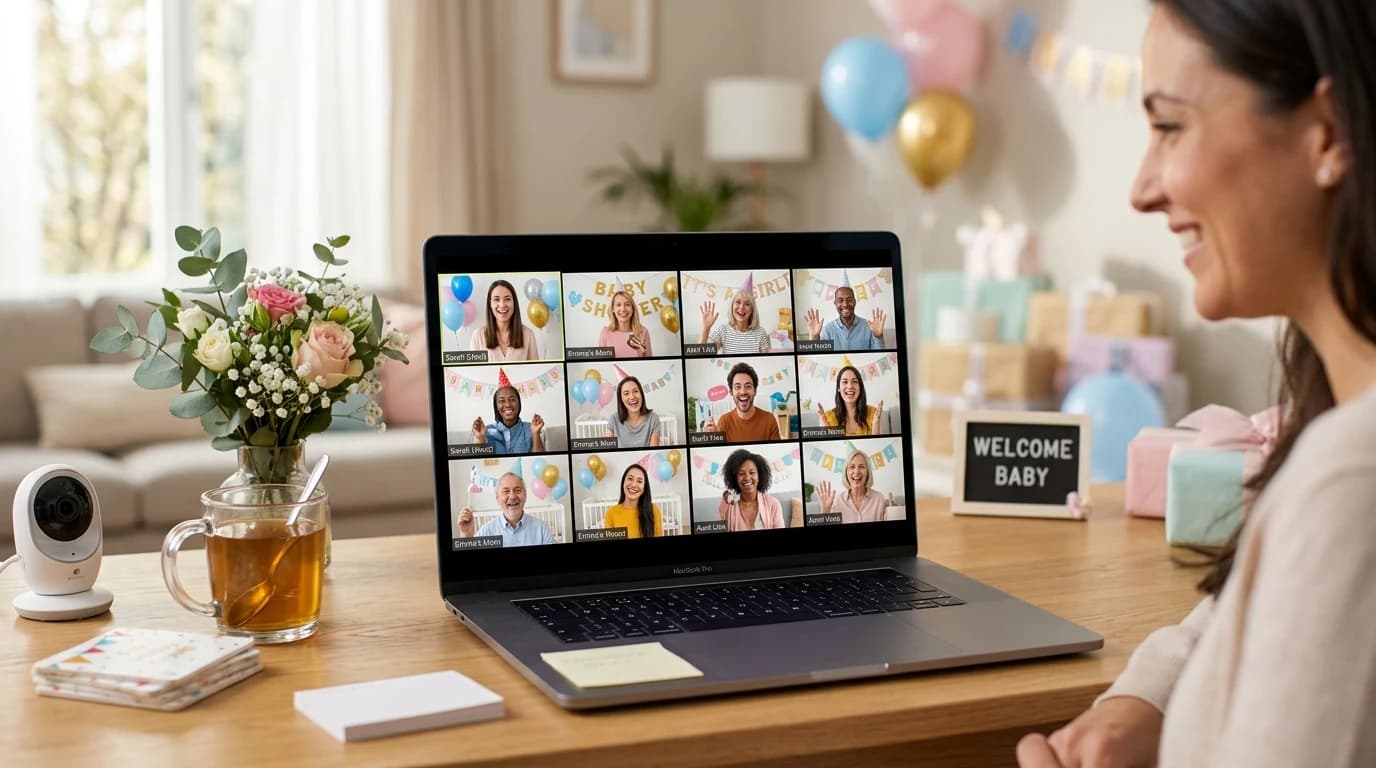
The baby shower games that actually work on Zoom are screen-share games where the host controls the action and guests respond verbally or in the chat — think trivia, emoji pictionary, "guess the price," and word scrambles. Games that fail on Zoom are the ones that require physical materials, simultaneous participation without a moderator, or side conversations between guests. The secret is choosing games designed for a shared screen, not adapting paper games to a video call.
Setting up the whole shower? Jump straight to:
Why Do Most Baby Shower Games Fail on Zoom?
The number-one reason virtual shower games flop is that hosts try to recreate in-person games over video. Handing out bingo cards, doing craft activities, or playing "pass the parcel" — none of these translate to a grid of faces on a screen. Ask anyone who's sat through one: the flat moments at virtual showers almost always trace back to a game that was designed for a living room, not a video call.
Video calls have unique constraints. Only one person can talk at a time without chaos. Guests can't see each other's body language well. And attention spans are shorter on video — give people a few minutes of passive content and the eyes drift to email. That means your games need to be fast-paced, visually engaging, and require active participation to keep people focused.
What Are the Best Games for Zoom Baby Showers?
The games that consistently get positive reactions on video calls all share the same shape — host controls the screen, guests respond in chat or out loud:
- Emoji Pictionary: The host shares their screen and displays emoji combinations. Guests type their guesses in the Zoom chat. First correct answer wins the round. This works brilliantly on Zoom because the chat creates a natural buzzer system, and everyone can see each other's guesses flying in. Plan 8-12 rounds for a 10-minute session.
- Baby Trivia with Reveal: Multiple-choice questions displayed on screen. Guests hold up fingers (1, 2, 3, or 4) to indicate their answer, or type in chat. The host reveals the correct answer with a fun fact. Trivia is one of the most reliable virtual formats because every guest can participate every round without waiting for a turn.
- Guess the Baby Product Price: Show a baby product on screen and have guests guess the retail price. Closest without going over wins. This format works on Zoom because each round is self-contained (30-60 seconds) and creates natural reaction moments when the price is revealed.
- Word Scramble Races: Display a scrambled baby word on screen. Guests race to type the unscrambled word in chat. First correct answer wins. The competitive element keeps energy high, and the chat format prevents the "everyone talking at once" problem.
- Baby Song Lyrics: Display a famous song lyric with "baby" blanked out. Guests guess the song. Works well because music is universal and the visual format suits screen sharing.
How Do You Set Up Games on Zoom Technically?
The technical setup can make or break your virtual shower games. Here's the checklist:
- Screen sharing: Use a platform like BabyShowerShow.com that's designed for screen sharing — large text, high contrast, visual displays that read well on small screens. Open the game in your browser and share that tab (not your entire screen, which might show notifications).
- Chat settings: Make sure Zoom chat is set to "Everyone" so all guests can see each other's answers. Disable private messaging if you want to prevent cheating on trivia rounds.
- Gallery view: Ask guests to switch to gallery view so they can see each other's reactions. Half the fun is watching people's faces when a surprising answer is revealed.
- Audio: If you're playing any audio-based games (like lullaby identification), share your computer audio when screen sharing. Zoom has a checkbox for this at the bottom of the share screen dialog.
- Backup plan: Always have one extra game ready in case something technical goes wrong. Connection issues happen — having a simple verbal game (like "would you rather: baby edition") as a backup costs nothing and saves the moment.
How Long Should Zoom Shower Games Last?
Keep individual games to 5-8 minutes and the total games segment to 20-25 minutes. A virtual shower runs best at 60-90 minutes total, with games occupying no more than a third of that time. This structure works well:
- 0-15 min: Arrivals, hellos, catching up
- 15-40 min: Games (3-4 short rounds)
- 40-60 min: Gift opening or conversation
- 60-75 min: Advice sharing and goodbyes
The critical mistake is running games too long. On Zoom, energy drops fast. Better to end games while people are still having fun than to drag them out until attention wanders. If you're using BabyShowerShow.com, you can see how many rounds are in each game and time your session accordingly.
What Games Should You Avoid on Zoom?
Some games that work perfectly in person are disasters on video calls:
- Bingo: Requires distributing cards in advance, and the pacing is too slow for a video call. Guests zone out between numbers — it's consistently the game hosts regret bringing to a virtual shower.
- Craft activities: "Everyone decorate a onesie!" requires mailing supplies in advance, and watching people craft on camera is not engaging for the group. Save crafts for in-person showers.
- Games requiring movement: Scavenger hunts sound fun in theory, but watching people leave their cameras to rummage through closets creates dead air. If you must do a scavenger hunt, keep it to items within arm's reach of their desk.
- Open-ended discussion games: "Go around and share your favorite baby memory" takes 3 minutes per person. With 15 guests, that's 45 minutes of monologues. Use structured, fast-paced formats instead.
Can You Combine Zoom Games With In-Person Guests?
Yes — hybrid showers are increasingly common. The key is choosing games that work identically for both audiences. Screen-share games are the great equalizer: in-person guests look at the TV, remote guests look at their screen, and everyone plays the same game. For more on this setup, see our full guide to virtual baby shower games.
The one thing to watch for in hybrid settings is audio. Make sure remote guests can hear in-person guests laughing and reacting — it's part of the experience. Position a microphone near the group, not just near the host's laptop — remote guests feel far more included when they can hear the room laughing and reacting, not just the host's voice.
Related Reading
- Virtual Baby Shower Games That Actually Work
- Baby Shower Games That Need No Supplies or Printing
- How to Run Baby Shower Games (Step-by-Step)
Do guests need to download anything for Zoom baby shower games?
No. The best Zoom shower games are host-controlled — the host shares their screen and guests simply watch and respond via chat or voice. There's no app to install, no link to click, and no account to create. If a guest can join a Zoom call, they can play the games.
How many guests can play Zoom baby shower games?
Screen-share games scale to any Zoom meeting size. Whether you have 5 guests or 50, the format works the same. For very large groups (20+), using the chat for answers works better than verbal responses, since multiple people talking at once creates audio chaos. The chat also creates a fun, rapid-fire energy as answers pour in.
What if guests have bad internet connections?
Visual games (emoji pictionary, word scrambles) are more forgiving of lag than audio-based games. If a guest's video freezes, they can still see the shared screen and type in chat. Encourage guests with poor connections to turn off their video to save bandwidth — they can still fully participate in screen-share games without their camera on.
Can you play Zoom baby shower games on a phone?
Yes, but the experience is better on a tablet or computer. Zoom's mobile app shows the shared screen clearly, and guests can still use the chat to submit answers. The only limitation is that phone screens are smaller, so make sure your game platform uses large, readable text. Most modern platforms like BabyShowerShow.com are designed to be legible even on small screens.