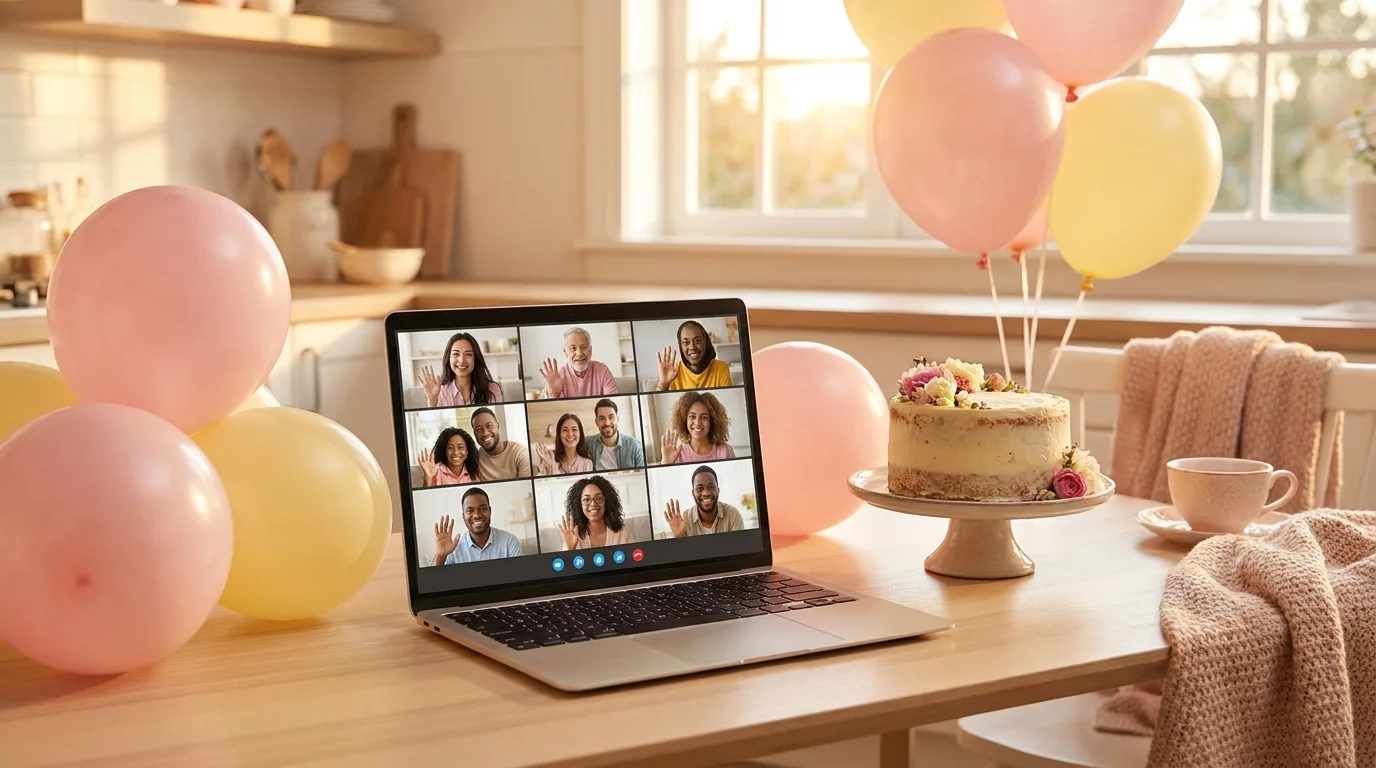
The short answer: no single "virtual baby shower platform" wins for everyone, because hosts are solving three different problems. If the shower needs to live online for months — invitations, RSVPs, registry, guestbook, photos, video chat in one place — WebBabyShower is the only true all-in-one here, at $79 for six months. If it’s one video call on a Saturday, a free call (Google Meet or Zoom) plus a games layer is cheapest and fastest by a wide margin. If you want to write your own quiz and don’t mind guests juggling a second device, Kahoot!+ starts at $9 a month. All prices below were read on each company’s own site in August 2026.
Key takeaways
- “Platform” means two products. One is a shower website that runs for months; the other is a games layer you open for 45 minutes. Buying the wrong one is the classic mistake.
- You rarely need a paid video app. Free Google Meet gives you 60 minutes and 100 guests.
- Watch the second-device tax. Kahoot!-style tools need every guest holding a phone and watching the call. Screen-share games don’t.
- Meeting-engagement tools are priced for companies. Brightful’s cheapest monthly plan is $70/month for 20 participants.
The comparison, side by side
Every price and feature below came from the company’s own site or support docs in August 2026. Anything a vendor doesn’t state publicly was left out rather than guessed at.
| Option | What it actually is | Price (Aug 2026) | Games? | Video? | Accounts? |
|---|---|---|---|---|---|
| Google Meet / Zoom / Teams | The venue. A video call, nothing more. | Free; paid plans lift time caps | No | Yes | Host only |
| WebBabyShower | A full shower website: invites, RSVPs, registry, guestbook, photos, video chat. | $79 / 6 months or $129 / 12 months, flat | Yes, built in | Yes, built in | Host only, per their FAQ |
| BabyShowerShow (that’s us) | A browser deck of 20 host-run games you screen-share. | $9.99 one-time, 30 days | Yes, 20 of them | No — bring your call | None, for anyone |
| Kahoot!+ | A live quiz tool. You write the questions. | From $9/mo monthly, $36/yr annually | Quizzes you build | No | Host yes; guests use a PIN |
| Evite / Paperless Post | Invitations and RSVPs. Not a venue. | Evite free designs cost nothing; premium by guest count | No | No | Host yes |
| Brightful | Icebreakers and polls, sold to remote teams. | $70/mo monthly (20 people), or $80 for a 4-day pass | Yes, generic ones | No | Host yes |
| Etsy digital game packs | PDF game sheets you print or share yourself. | Varies by seller | On paper | No | Buyer only |
Google Meet, Zoom or Teams alone — best for a short, simple shower
Plenty of lovely showers have run on nothing but a free call and a good host. Free Google Meet allows three or more people for up to 60 minutes with up to 100 participants, warning everyone at 50 minutes; Zoom’s Basic (free) licence ends almost all meetings at 40. Guest capacity is never the constraint at a shower — the clock is.
Best for: a 45-minute shower with a confident host who already has an activity planned. The catch: an unstructured video call becomes a silent grid of faces about eleven minutes in — you’ve been handed a room, not a party. Comparing the three call apps in detail: Zoom vs Meet vs Teams.
WebBabyShower — best for a multi-week event hub
WebBabyShower is the closest thing to a true all-in-one virtual baby shower platform, and if that’s your job, it’s the pick. You build a private themed shower website, then send unlimited invitations, track RSVPs, link the registry (their site lists Amazon, Target, Babylist and Walmart), collect guestbook messages and photos, and hold the event in a built-in video chat room. It’s a flat $79 for six months or $129 for twelve with a 14-day money-back guarantee, and their FAQ says guests join from the invite link without accounts.
Best for: long-distance families, a shower that gathers people over weeks rather than one afternoon, or any host who wants invitations, registry and event at one URL. It is genuinely better than we are at that job, and we say so at length in our honest BabyShowerShow vs WebBabyShower comparison. If you only want games, though, $79 is a lot of platform for one afternoon.
💻Whatever platform you land on, the games are what people actually remember about a virtual shower.See the virtual game lineup →BabyShowerShow — best when you already have the call
Full disclosure: this is us, so treat this section as the vendor talking and check the facts yourself. BabyShowerShow isn’t a platform in the WebBabyShower sense — no invitations, no RSVPs, no registry, no video chat. It’s a browser deck of 20 baby shower games the host drives: open a tab, share your screen on Zoom, Meet, Teams or FaceTime, and guests answer out loud or in the chat. Nothing to install, no accounts, nothing to print.
It’s $9.99 one-time for all 20 games for 30 days — not a subscription, no auto-renewal. The fixed six-question mixed showcase is free, so you can rehearse the controls before buying a complete show.
Best for: a host who has the call sorted and needs the middle 45 minutes to be fun, or a hybrid shower where a room and a screen share both have to work. Not for you if you need invitations, a guest list, a registry or a video room — we don’t do any of those. The screen-share walkthrough has the steps for each call app.
Kahoot!+ — best if you want to write the questions yourself
Kahoot! is the quiz format most people know from work or school, and hosts do use it for a "how well do you know the mom-to-be?" round. Guests open kahoot.it on their phone, enter the game PIN and a nickname, and answer against a timer while questions show on the host’s shared screen. Personal Kahoot!+ plans start at $9/month billed monthly or $36 billed annually, capped at 50 players; the next tier ($15/month) allows 100.
Best for: a host who enjoys writing quiz questions and has phone-comfortable guests. Two cautions: the second-device tax is real, and Kahoot! is an empty engine — budget an evening to write the content.
Evite and Paperless Post — the invitation layer, not the party
These come up constantly in "virtual baby shower platform" searches, and they solve a real problem — just not the one the search implies. Evite and Paperless Post send digital invitations and track RSVPs; neither hosts your event. On Evite, free designs cost nothing to send unless you add premium upgrades, and premium designs are priced by guest-list size.
Best for: the invite-and-headcount half of the job, paired with a free call. Free invitations, free call, cheap games is how most inexpensive virtual showers actually run.
Brightful — capable, but priced for companies
Brightful layers icebreaker games, polls and Q&A over a call on Zoom, Meet or Teams. The problem is who it’s sold to: the entry plan is $28/month billed annually or $70/month billed monthly for 20 participants, with an $80 four-day "Event" pass for 200. The 14-day free trial (no credit card) is the only sane way to use it for one shower.
Best for: an office shower where the company already pays for a team-engagement tool. Otherwise it’s a business subscription for generic charades — none of the games are baby-themed.
Etsy digital game packs — cheapest, most work
The PDF route is real: buy a themed pack, then print and mail it to guests or share the PDF on screen and read answers aloud. Prices vary too much by seller to quote one number honestly, but they’re typically the cheapest option here.
Best for: an in-person shower, or a host with time to spare. Virtually, the friction lands on you — printing, mailing, clicking through a PDF never designed for a screen share. Full trade-off: printable vs digital baby shower games.
How to choose in about 30 seconds
| If this is true… | Pick |
|---|---|
| The shower lives online for weeks — invites, registry, photos, event | WebBabyShower ($79 / 6 months) |
| You have a Zoom link and a date, and need the party part | Free call + a games deck — rehearse the six-question mixed showcase first |
| You want a custom quiz and guests are phone-comfortable | Kahoot!+ (from $9/month) — block an evening to write it |
| Half the guests are in a room, half on a call | Anything screen-shared, nothing mailed or printed |
| The party will run past an hour | A paid video plan, or a backup call link ready to paste |
One filter beats any feature list: how many things must a guest do before they can play? Every account, download, PIN and printed page is a place where someone’s aunt drops out. Count the steps and the shortlist picks itself.
FAQ
What is the best platform for a virtual baby shower?
It depends on the job. For a shower that lives online for weeks — invitations, RSVPs, registry, guestbook and the event — WebBabyShower is the only true all-in-one here, at $79 for six months (August 2026). For a single video-call shower, a free Google Meet or Zoom call plus a screen-shared games layer costs far less and sets up in minutes.
Is there a free virtual baby shower platform?
There’s no free all-in-one shower website, but the pieces have free tiers you can combine: Google Meet (60 minutes, 100 guests), Evite’s free invitation designs, and free games — BabyShowerShow offers a fixed six-question rehearsal and free editorial game resources. Running its full hosted decks requires a Show Pass. You can also host your own verbal games at no cost.
Do my guests need accounts or an app?
This varies more than any other feature and is the likeliest thing to derail a shower. WebBabyShower’s FAQ says guests join from the invite link without accounts. BabyShowerShow needs no account from anyone, host included. Kahoot! guests need no account but do need a phone and a game PIN. Call apps generally allow a browser link, though Zoom pushes its app.
Do I need a paid Zoom plan for a baby shower?
Usually not. Free Zoom (Basic) ends group meetings at 40 minutes; free Google Meet allows 60. If the shower runs longer, the cheap fix is to end the call and start a fresh one with a backup link prepared in advance — or use Meet and plan a 50-minute agenda.
Sources
- WebBabyShower — Pricing (August 2026: $79 / 6 months, $129 / 12 months, 14-day money-back guarantee; FAQ: no guest accounts; registries include Amazon, Target, Babylist, Walmart)
- Kahoot! — Personal plans (August 2026: Bronze $9/mo monthly or $36/yr, 50 players; Silver $15/mo, 100 players)
- Kahoot! Support — How to join a game (open kahoot.it, enter the PIN and a nickname)
- Brightful — Pricing (August 2026: Bronze $28/mo annually or $70/mo monthly, 20 participants; $80 4-day Event pass, 200 participants)
- Evite Support — Free or Premium invitations (free designs cost nothing to send unless upgrades are added; premium is priced by guest-list size)
- Google Meet Help — Requirements (personal accounts: up to 100 participants; 3+ participants for 60 minutes, notified at 50)
- Zoom Support — Time limits for Zoom Meetings (almost all meetings hosted on Basic/free licences end at 40 minutes)