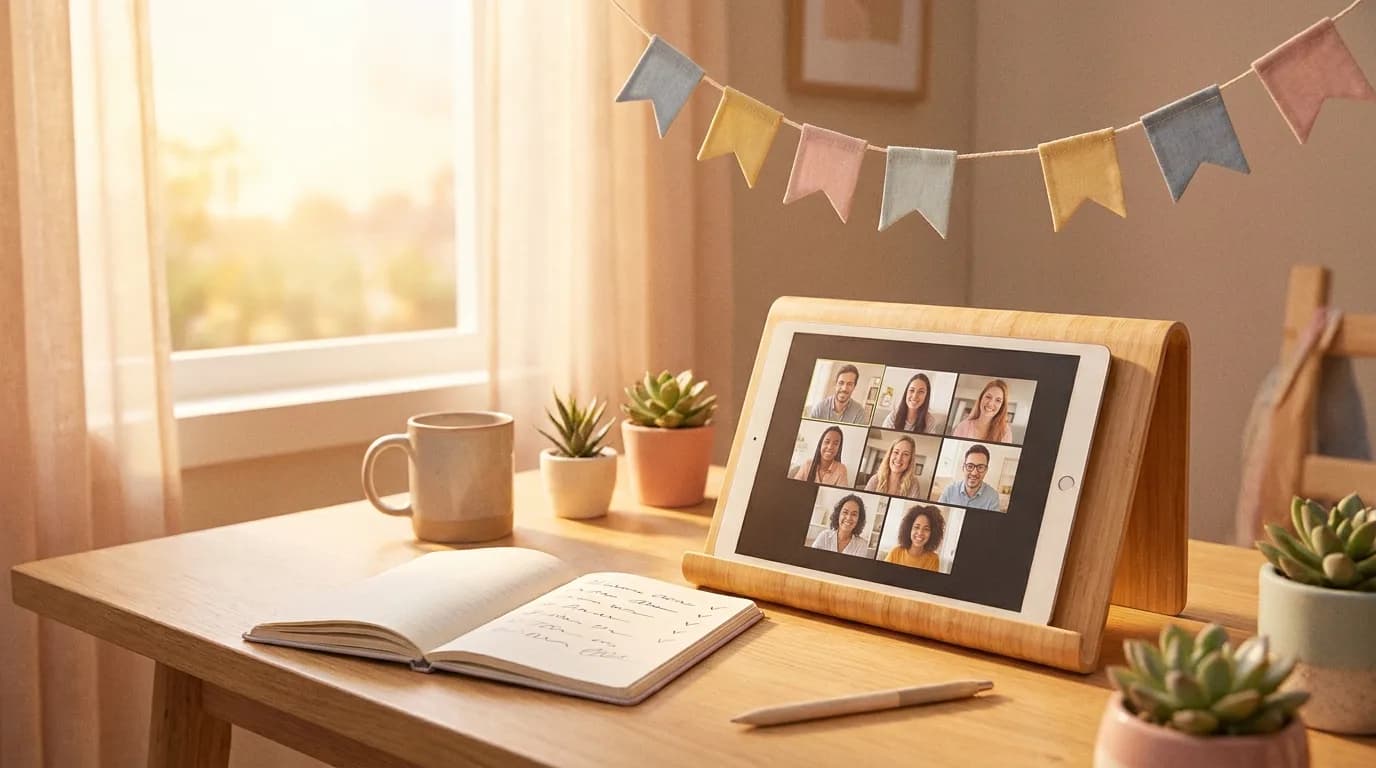
TL;DR: A virtual baby shower is won or lost on five decisions, and none of them is the theme: how many people are on the call, what arrives in the mail beforehand, what the camera actually sees, what happens to the gifts, and how hard you cap the clock. Get those right and a 60-minute call feels like a party; get them wrong and guests describe it afterwards as "we all just stared at each other." Everything below — themes, invitations, decor, favors, food, keepsakes — is built on those five.
There's no shortage of virtual shower inspiration. What's hard to find is which ideas survive a video call and which quietly cost $300 in postage. This is that version, in the order you'll decide things.
Key takeaways
- Two short calls beat one big one. Once the grid fills up, hosts stop being able to tell who just spoke. Split family and friends into separate hours with separate links.
- The mailed box is the upgrade guests remember. A place setting, a favor, a sealed game envelope. Budget it honestly — a USPS Small Flat Rate Box is $13.65 before contents.
- Decorate a camera frame, not a room. Only the rectangle behind the guest of honor is visible. Send her the decor instead of buying it for your own house.
- Live gift-opening is the most reliably disliked part — and registry gifts now arrive in unlabelled shipping boxes anyway, which removes the surprise it depended on.
- Structure is the whole job. Showers guests call awkward are the ones with no games, no gift moment and no introductions — not the ones with cheap decor.
Start with the flop pattern, not the Pinterest board
The failure mode is specific and repeatable. In the r/BabyBumps virtual shower experience threads, guests who call a shower awkward name the same three absences: no games planned, no shared gift moment, and a call full of people who didn't know each other. Nobody complains about the backdrop.
Those gaps are cheap to close — two minutes of introductions, one game, and a gift approach decided in advance. Everything below sits on top of that floor, not instead of it.
The 60-minute run of show
Sixty minutes is the length that consistently works: inside most free platform tiers, well short of video-call fatigue, and short enough to force out the filler. Build at 60 and let it run over, rather than planning 90 and watching people leave at 55.
| Clock | What happens | Why it's there |
|---|---|---|
| −15 to 0 | Room open, host and co-host only | Screen share tested with the game already loaded |
| 0–8 min | Arrivals, mute sorting, background chat | People join late. Plan for it. |
| 8–15 min | Introductions: name, where you're calling from, how you know her | The fix for "I didn't know anyone" |
| 15–35 min | Two games, back to back | Easy one first, competitive one second |
| 35–48 min | The gift moment, in whichever form you chose | Capped on purpose — this is the part that drags |
| 48–56 min | Advice, wishes, or predictions read aloud | Ends warm rather than competitive |
| 56–60 min | Group screenshot, thank-yous, close | The only photo of the day. Take it early. |
To run longer, see our timing guide — and check your platform's free cap first, which the Zoom vs Meet vs Teams comparison lays out.
Guest list: split the call, don't stretch it
A video grid is not a room. In a room, twenty-five people form four conversations; on a call, one conversation with twenty-four spectators. Hosts on r/BabyBumps consistently describe losing track of who is speaking once the grid fills up.
The fix that keeps coming back: run two shorter calls instead of one long one. Family at 11am, friends at 2pm. Same games, same run of show, half the windows, twice the talking. Make two versions of the invitation with the two links, and note which list got which. Coworkers are naturally a third call, with their own rules — see the virtual office shower playbook. Splitting also fixes the sprawl that "there's no venue limit" invites.
Invitations: digital, always
Paper invitations for a virtual shower are a charming mistake: an online party's invitation has to carry a clickable link and be re-sendable, because plenty of guests will lose it. Send by email or text three to four weeks out, and again the morning of. Beyond the lines an invitation always needs, a virtual one carries four extra:
- The link and passcode, at the top, clickable — not typed out to be retyped.
- What kind of party this is. "About an hour — two quick games, gifts, and a proper catch-up." Guests who know the shape show up ready to join in.
- Cameras on, please. Say it explicitly and warmly. A grid of black rectangles is the worst-case outcome, and one line prevents most of it.
- The gift instruction — registry link, ship-by date, or "your presence is plenty."
Themes that survive a webcam
Almost any theme adapts, but the ones that land show up in more than one place. A theme that exists only as a tablecloth in the host's house is invisible; one that reaches the invitation, the mailed box and the backdrop reads as a real event. Three carry best on camera:
- A single bold color. Sage, terracotta, butter yellow — pick one and ask guests to wear it. Twenty windows in one color is the cheapest way to make a grid look like a party.
- Storybook. Guests bring a favorite children's book and read one line from it; the books become the gift. It hands quiet guests a script, which is the hardest video-call problem to solve.
- Afternoon tea. The rare theme where everyone can genuinely have the same thing in front of them — a mailed teabag costs almost nothing to post.
What doesn't travel is anything whose payoff is a room. Balloon arches and elaborate tablescapes are built for people walking around them; on a webcam they compress into a blurry background. Spend that money on the guest of honor's corner instead. Broader options: the 2026 themes roundup.
Decor is a rectangle, not a room
The reframe that saves most of the decor budget: the only decor anyone sees is what falls inside the camera frame behind the guest of honor. Decorating your own house is decorating for yourself. So invert it — ship the decor to her. A garland, a small balloon cluster, fabric to pin behind the chair, and a "sit facing a window" instruction beat anything you could buy for your own living room. Three notes:
- Light in front, not behind. A window behind her makes a silhouette; facing one is the whole lighting setup.
- Depth, not wallpaper. Decor half a metre behind her reads as a room; taped to the wall at her back it reads as a school photo.
- Skip the virtual background. Digital backdrops eat hair, hands and anything she holds up — exactly the moment you want to look good.
The box in the mail — and what it really costs
If you take one idea from this page, take this one. The virtual showers guests describe most fondly are the ones where something arrived beforehand — not a gift, a small box: a place setting in the theme colors, a favor, and a sealed envelope not to be opened until the host says so. Guests on r/BabyBumps name exactly that as what set one shower apart from the others they'd attended; the Salty Canary write-up is a worked example, coordinated to one children's book.
The reason most guides skip this idea is the reason you need it: it's the expensive one. A USPS Priority Mail Small Flat Rate Box is $13.65 at the Post Office before anything goes inside:
| Households | Postage alone | Verdict |
|---|---|---|
| 8–10 | ~$110–$140 | Doable — do the full box. |
| 15–20 | ~$205–$275 | Drop to a flat mailer. |
| 25+ | $340+ | One card per household, or skip it. |
Two ways to keep the idea and lose the cost. One box per household, not per guest. And go flat: anything that fits a standard envelope ships for the price of a stamp — a teabag, seed paper, a recipe card, a hand-written note. A flat envelope that arrives beats a box you couldn't afford to send. For favors that get used rather than shelved, edible wins by a distance — see our favors guide.
Food, at a distance
Don't try to recreate a shared meal. Every scheme for it costs a lot and produces a call where twenty people eat sandwiches on mute. Two simpler approaches work.
Take the meal out of the plan. Schedule mid-morning or mid-afternoon, say "grab a coffee and something sweet" in the invitation, and let everyone handle their own. Nobody feels short-changed by a party that never promised lunch.
Or feed one household properly. Put the whole food budget into the guest of honor's day — a cake at her door, or a meal-delivery credit for that evening, which is among the most-appreciated things you can hand someone in their third trimester.
Gifts: decide before the invitations go out
Hosts leave this decision until last and should make it first, because it changes the invitation wording. Live opening is the most commonly disliked part of any shower — worse on video, where she unwraps in silence while twenty muted faces watch. Virtual showers also broke the ritual's premise: registry gifts arrive in plain shipping boxes days early, so she already knows what's inside, and many carry no note saying who sent them. The workable options:
- Show, don't open. She unwraps everything beforehand, arranges it behind her, and holds up three or four favorites while naming the giver. Two minutes per gift becomes fifteen seconds.
- Name-and-wave. The host reads each name aloud, she thanks them, the guest waves. Warm, fast, works at any guest count.
- Give the guests a job. Gift bingo — guests predict what she'll open — is why live opening works when it works. It converts spectators into participants.
Full mechanics, including the shipping deadline to give guests and the unlabelled-package problem, are in how to open gifts at a virtual baby shower. Whichever you pick, say so in advance — a guest who knows there's no live opening won't feel skipped, and thank-you notes matter more when nobody watched the gift arrive.
🎉Want a shared-screen opener? Browse the emoji rules and rehearse the fixed six-question mixed showcase before the call. Full decks require a Show Pass.Try the fixed showcase →Games: one paragraph, because we've written the rest
Games are the load-bearing part of a virtual shower, so we won't compress them into a bullet list here. Two is the right dose for 60 minutes; three if you go to 90. The one structural rule: both must be visible on a single shared screen with the host controlling the reveal. Anything needing props, printing or per-guest fiddling dies on a video call.
For the ranked lineup plus the formats that flop on video: virtual baby shower games that work on Zoom. To play rather than read, the screen-share game set runs from a browser tab — a fixed six-question mixed showcase free, and Baby Phrase Emoji Pictionary available with a Show Pass, no signup.
Keepsakes: the two things worth capturing
An in-person shower generates photographs by itself. A virtual one generates nothing unless someone deliberately captures it, and the window closes the moment people start dropping off. Two things are worth catching.
The gallery-view screenshot. It's in the run of show at minute 56 for a reason: ask everyone to hold up their favor, take three. This ends up being the only photograph of the event, and hosts forget it constantly.
The advice. Ask guests to type one line into the chat during the last stretch, then save the transcript before ending the meeting — on most platforms it's gone once the call closes. Printed, it beats any guest book. Prompts that get real answers are in our questions for the parents-to-be.
Frequently asked questions
Who pays for a virtual baby shower?
The host, on the same convention as an in-person shower — but the numbers are far smaller, which changes who can reasonably offer. There's no venue, catering or rentals; the real costs are postage, decor for her corner, and possibly one month of a paid video plan. Co-hosting is common: one person handles boxes, another the games. See who hosts a baby shower.
How long should a virtual baby shower be?
Sixty minutes is the reliable default; 90 is the hard ceiling. Video calls run out of energy far faster than a living room, and free platform tiers cut you off somewhere between 40 and 60 minutes anyway. Plan the agenda to finish inside your platform's limit rather than fighting it.
Do guests need to create an account to join?
On Google Meet and Zoom, no — guests join from a browser link without signing up, and it's worth saying so in the invitation, because older relatives assume otherwise. Avoid anything that makes guests install software or register: every extra step loses a guest, usually the one least confident with tech.
Can you do a hybrid shower with some guests in person?
Yes, better than people expect — but only if remote guests get a screen the in-person crowd can see. Hosts who've run one describe connecting a laptop to a TV so video guests appear at party scale rather than as a phone propped against a jug. Run games from one shared screen, and give remote guests the first word in every round: they will always lose a race against a room.
Sources
- USPS — Priority Mail Flat Rate (Small Flat Rate Box $13.65 at the Post Office, checked August 2026)
- r/BabyBumps — "Virtual Baby Shower Experience?" (host and guest accounts, paraphrased not quoted)
- Salty Canary — How to Host a Virtual Baby Shower (worked example of a single-theme mailed box)